
PDF to Word Conversion: Editable Files Without Unnecessary Rework

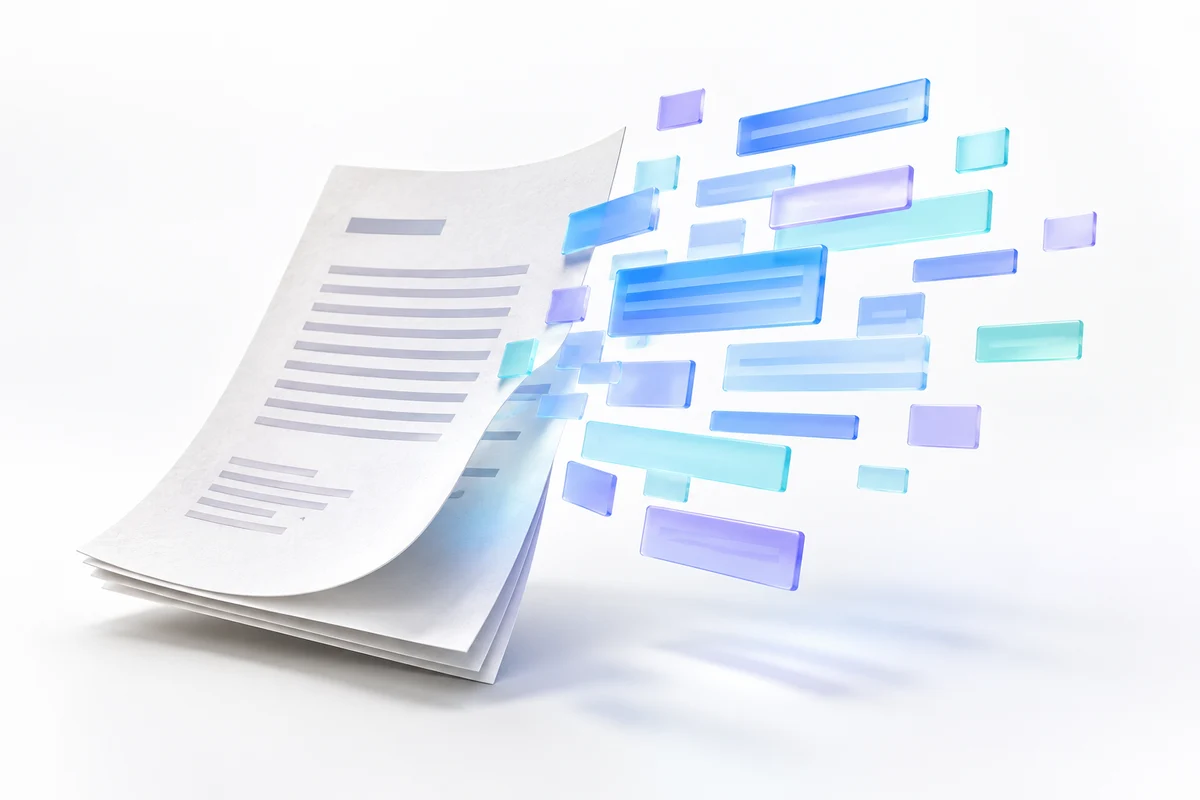
PDF to Word conversion is most useful when you need to update text, reuse a document layout or recover material whose original editable file is missing. The amount of cleanup depends on how the PDF was created, not just its page count.
Moiz Creator's current starting scope is up to ten simple, text-based pages for PKR 999 / USD 20. A scanned PDF or image-to-Word job starts at PKR 999 / USD 20 for up to three clear pages, including OCR and proofreading. Send a sample before treating either rate as a final quote.
First identify the source
If the PDF contains selectable text, conversion may preserve more of the structure. If each page is a photograph or scan, text must be recognized or typed before it becomes editable. Try selecting a sentence as an initial check, but remember that some scanned documents already have an invisible text layer. The visual quality still matters.
A clean one-column letter is a different job from a report with tables, stamps, annotations and mixed Urdu/English text. Tell the designer which parts must remain editable and whether matching the original appearance is more important than creating a cleaner new layout.
Agree the deliverable
A practical brief identifies the page count, languages, required Word version or file format, and the parts that must be preserved. Mention tables, headers, footers, page numbers and form fields. Conversion to a Word table is not the same as building a spreadsheet with working calculations.
For an illustrative ten-page report, you might ask to keep section headings and three tables while simplifying decorative borders. That prioritizes useful editing over reproducing every visual detail. It is a scope example, not a claim about a completed customer project.
Review more than the appearance
Check names, dates, amounts and other important numbers against the original. Review page breaks, table alignment and paragraphs that run across pages. OCR can misread characters, so a document that looks neat still needs a text check. Mark unclear source text for clarification rather than guessing what it says.
Keep a copy of the original document. Share only the material needed for the task and discuss sensitive information before sending it. Do not expect conversion work to establish the authenticity of a signature, stamp or document.
Request a useful quote
Message Moiz Creator about PDF conversion. Include the page count, a sample and your deadline. Complex reconstruction, handwriting and poor-quality scans are assessed separately.