CANVA PRO · BY MOIZ CREATOR

Canva Pro in Pakistan.
Your creative starting point.

Compare affordable monthly and 12-month Canva Pro access from Moiz Creator — The Canva Expert. Get personal Gmail activation guidance and direct WhatsApp support, alongside professional Canva design and branding services.

Personal Gmail accessMonthly or yearlyWhatsApp guidance
Canva Pro logo with three-dimensional design canvases, colour swatches and creative tools
A CLEAR STARTING POINT

Pick your pace.
Keep creating.

Pakistan and international offers.
Choose PKR or USD in the top menu.

Monthly creative design toolkitSTART SMALL. CREATE MORE.

Monthly Canva Pro

For a short project or a flexible start.

Rs. 300 / 30 days
Selected market price · no currency conversion
  • All Pro Features📍UnLocked
  • A.I Tools, Magic Layers & Studio
  • Access for 30 days
  • Activation using your personal Gmail
  • Activation assistance from Moiz
  • Confirm features and support before payment
Enquire about monthly Full offer details

Moiz Creator is an independent provider, not affiliated with or officially endorsed by Canva. “The Canva Expert” describes our design expertise; it is not an official certification. These regional offers are not Canva’s official retail prices. Confirm availability, account provisioning arrangement, features, renewal and issue-handling terms before payment. Design coupons exclude Canva access.

Know your plan before activation.

Access is arranged using your personal Gmail. Activation is typically completed in approximately 2 minutes, subject to availability and verification. Confirm the exact provisioning arrangement, start and end dates, renewal price and payment sequence on WhatsApp. Contact Moiz before access expires to arrange renewal; automatic renewal is not assumed. Replacement coverage and access-issue remedies must be agreed in writing. Pay-after-activation is available only if confirmed for your order.

Read cancellation and support guidance · Review service terms

THE NEW CREATIVE WORKFLOW

Meet Canva AI 2.0.

Explore Canva’s official AI page
01 / FROM BRIEF TO DESIGN

Think it. Describe it.
Make it your own.

Canva AI 2.0 brings conversation into the design process, with editable objects and connected workflows. Start with an idea, review the result, then refine individual elements.

Brief·Create·Refine·Share

Conversational design

Start with a brief, then refine editable elements through conversation.

Connected context

Use supported connectors to bring relevant work into a design.

Scheduled tasks

Set recurring creative tasks where scheduling is available.

Web research

Bring researched information into an editable output.

Brand Intelligence

Apply the brand’s fonts, colours and style.

Canva Code 2.0 & Sheets AI

Explore interactive experiences and structured spreadsheets from a prompt.

These are Canva’s announced capabilities. Rollout and account eligibility vary. Read the official announcement.

02 / MORE EDITING CONTROL

Magic Layers.
Go beyond a flat image.

Magic Layers can turn a flat design into an editable layout, separating elements and recovering editable text. Review the result and adjust it to suit your work.

Launched as a regional public beta; confirm current access on your account.

See Canva’s Magic Layers announcement
MAGIC STUDIO & EVERYDAY PRO TOOLS

Less repetitive work.
More room to create.

Useful tools for a social post,
a product image or a presentation.

01

Premium creative library

Templates, photos, video, graphics and music.

02

Brand Kit

Keep brand colours, logos and fonts together.

03

Magic Resize

Adapt one design for different formats.

04

Photo Background Remover

Isolate a subject from its background.

05

Video Background Remover

Remove backgrounds from video footage.

06

Magic Eraser

Clean unwanted objects out of photos.

07

Magic Grab

Reposition selected subjects within an image.

08

Magic Edit & Expand

Change details or extend an image.

09

Magic Write

Draft and refine written content.

10

Background Generator

Create a scene from a description.

11

Beat Sync & Highlights

Create rhythmic edits and shorter video highlights.

12

Enhance Voice

Reduce distracting background noise in audio.

Feature overview checked 11 October 2026. Access and usage limits depend on Canva’s current plan, rollout and account settings. The showcase is not a promise that every feature or beta is included in every offer.

Official Canva Pro features

More to explore in Canva AI

Image and video generation · AI-powered elements and templates · Style Match · 3D content generation

Check current tools and availability
ACCESS + A CREATIVE HEAD START

Make Canva
feel like your brand.

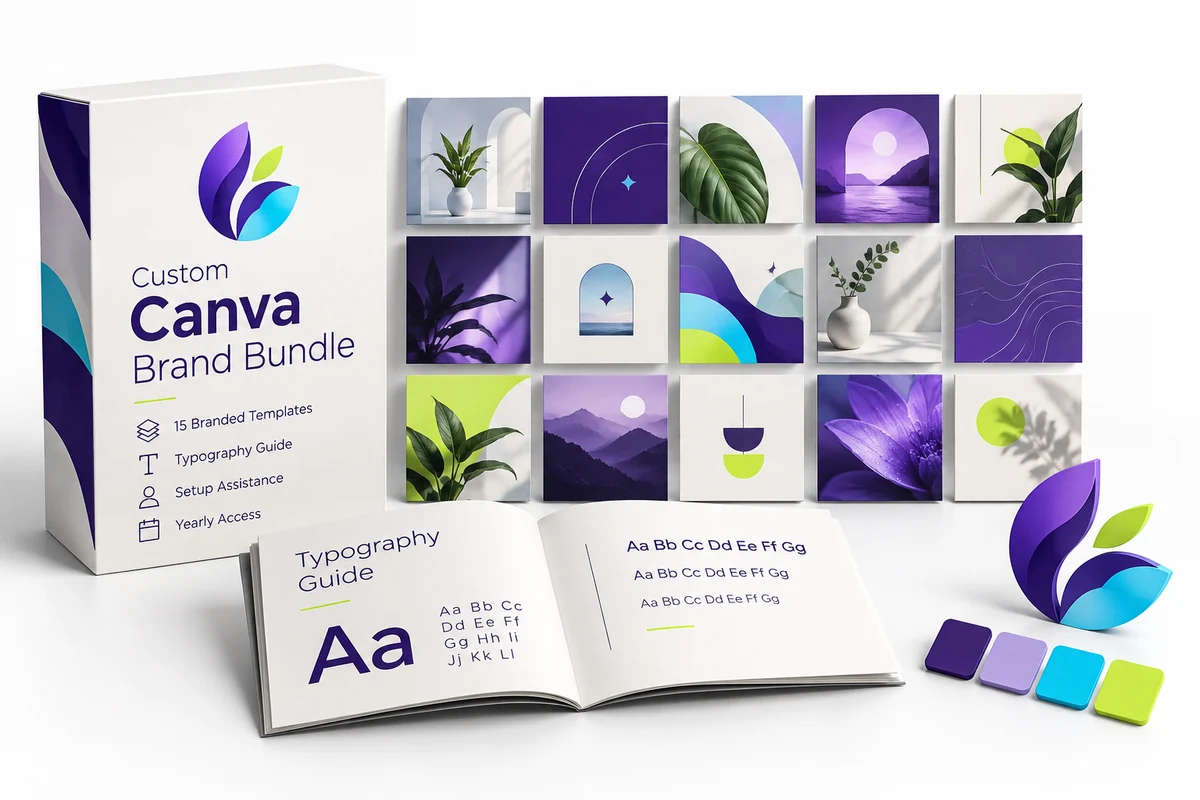
Editable templates and practical guidance,
made around your content.

GET STARTED WITH MOIZ

A few simple steps.
A clear conversation.

  1. Choose your plan.Tell Moiz which duration and specific features you need.
  2. Confirm the details.Agree availability, activation, payment and support terms.
  3. Activate and check.Use your own email, verify your access and ask for help if needed.
BEFORE YOU GET STARTED

Your questions.
Clear answers.

How quickly is access activated?+

Activation is typically completed in approximately 2 minutes using your personal Gmail, subject to availability and verification. Confirm the current timing on WhatsApp. Never share your Gmail password or verification codes.

How long does monthly access last?+

Monthly access costs Rs. 300 for 30 days. Yearly access costs Rs. 1,000 for 12 months. Contact Moiz before expiry to confirm renewal arrangements; automatic renewal is not advertised.

What if my access is downgraded or my account is restricted?+

Contact Moiz with your order reference and the exact issue. Correction, replacement eligibility and coverage depend on the terms agreed before activation and Canva’s account policies. No unconditional replacement or account-ban protection is promised.

What are the refund or cancellation terms?+

Read our cancellation and support policy, then agree the terms for your order in writing before payment. Available remedies depend on activation, work completed and any third-party costs.

What does the yearly offer include?+

The offer covers 12 months of access using your personal Gmail, with activation assistance. Confirm the account provisioning arrangement, current availability, renewal and support terms before payment.

Will Canva AI 2.0 and Magic Layers be available on my account?+

Availability can vary with Canva’s rollout, country, account and plan. Ask Moiz to check the specific feature you need before ordering. Buying this offer is not a promise of access to every beta or every AI tool.

Are AI tools unlimited?+

AI tools can have usage allowances, credits or plan restrictions. Confirm current allowances for the exact tool you intend to use.

Is the yearly price a one-time lifetime payment?+

No. The yearly offer covers 12 months. Renewal is separate; ask for the current renewal price when your term ends.

Can I use my own email?+

Yes, the offer is for your personal Gmail. Share the email only after the plan is confirmed. Never share your email password or verification codes.

Can I pay after activation?+

Pay-after-activation may be available to eligible customers, subject to confirmation on WhatsApp. The payment sequence, activation time and support terms are confirmed with your order.

Does access include custom designs and Urdu fonts?+

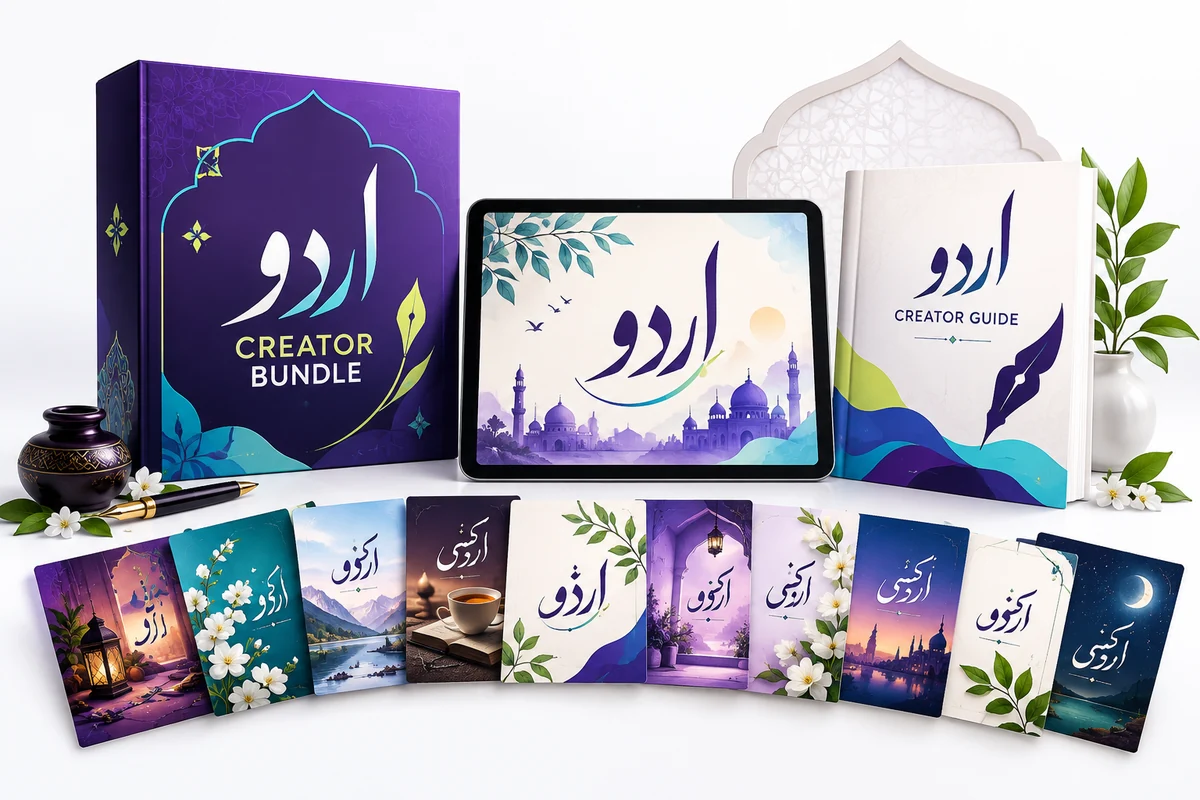
Custom designs and typography guidance are separate creative services. Choose the Urdu Creator or branded-template bundle for the stated templates and guide. Fonts depend on Canva availability and licensing; no fixed font count is promised.

How do I get help after ordering?+

Message the same WhatsApp number with your order reference and a short description. Support availability and any replacement terms are confirmed before purchase.
BEFORE YOU START

Helpful guides for your next step

SOMETHING IN MIND?

Let’s make it
look the part.

A small task or a whole new brand.
It starts with a conversation.

Discuss Your Project
Ask Moiz