
Company profile design: a page-by-page content checklist

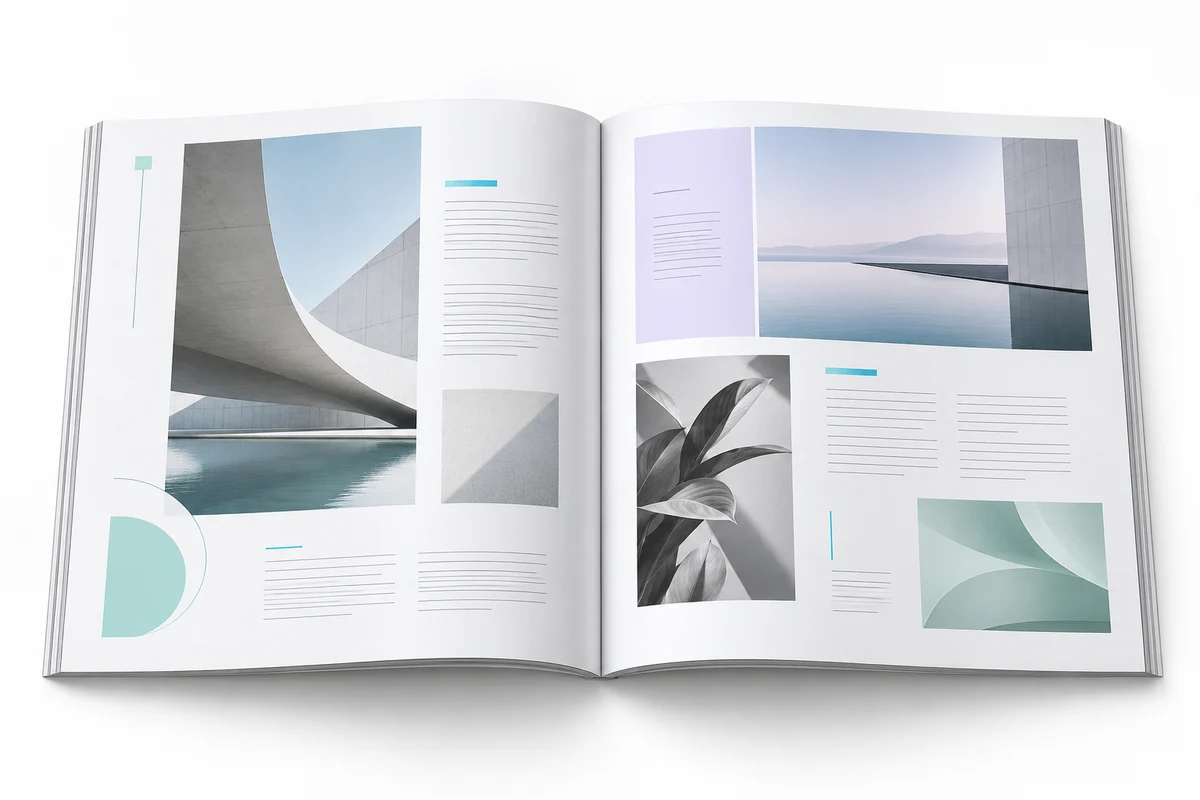
A company profile should help a prospective customer understand what you do, who you serve and how to contact you. Start with the reader's questions, gather accurate content, then choose the page count. Adding pages without useful information rarely makes a profile more persuasive.
Start with one audience and one purpose
A profile sent to a potential distributor needs different details from a brochure for a first-time retail customer. Write down who will receive it, how they will read it and what you want them to do next. An email attachment might need a compact file; a printed handout needs production specifications from the printer.
The same business can have a short introductory profile and a more detailed capability document. Avoid forcing every price list, policy and product specification into the introductory version.
A workable six-part outline
- Cover: business name, useful description and one clear visual.
- Introduction: what the business does and the customers it serves.
- Services: grouped offers explained in the customer's language.
- Process: how enquiries, delivery and support work.
- Evidence: authorized project images or specific, verifiable capabilities.
- Contact: one clear next step with accurate contact details.
This is a content outline, not a fixed six-page requirement. A small business may combine sections. A more complex company may need separate service pages. Approve the outline before paying for extra pages.
Gather content before the designer starts
Prepare the logo, brand colours, final contact information, service descriptions and high-quality images you have permission to use. Mark anything still awaiting approval. If a team member supplies a statistic or certification, ask for the supporting detail and check whether it can be published.
Do not fill an empty section with invented customers, testimonials or project results. A straightforward explanation of your process is more useful than unsupported claims about being the best in the market. Concept visuals should be identified as concepts.
Make the document easy to scan
Give each page a main message. Use short paragraphs, descriptive headings and captions that explain the relevance of an image. Keep repeated contact information consistent. A page with ten competing boxes usually needs editing before it needs more decoration.
For a service page, a simple pattern works well: customer problem, service offered, included deliverables and the next step. A prospective buyer should understand the offer without needing to decode internal industry language.
Review the PDF and editable file separately
Check page order, spelling, phone numbers, links, image quality and text overflow in the exported PDF. Then confirm which editable format is included and whether the fonts or linked assets are available to you. Ask for a smaller sharing version if the production file is too heavy for everyday messaging.
Use the company profile design service to discuss page count, supplied content and delivery formats. If you already have a document that only needs cleanup, document formatting may fit the task better. Share a sample before choosing the scope.