
CV formatting checklist: make your experience easier to read

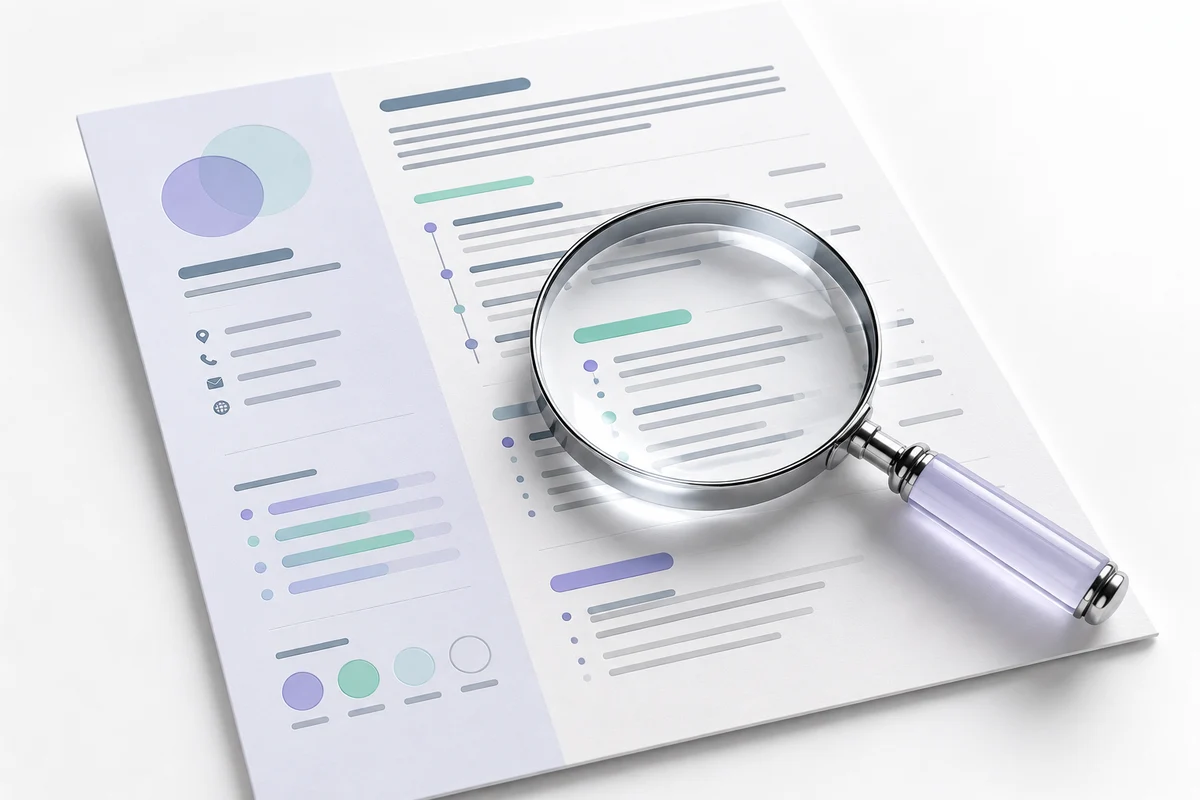
A well-formatted CV helps a reader find your experience, skills and contact information quickly. Start with accurate content, use a consistent structure and check the exported file. Formatting can improve clarity; it cannot guarantee an interview or replace relevant experience.
Prepare the information before choosing a layout
Collect your current CV, the role you are targeting and the exact dates and titles you want included. Put the most relevant experience where it is easy to find. Remove outdated contact details and review links before sending them to a designer.
If your experience is limited, include relevant coursework, projects or volunteer work accurately. Label them for what they are. Do not turn a practice project into employment or add software skills you cannot demonstrate.
Use headings that explain the content
Clear labels such as Experience, Education, Skills and Projects help readers move around the document. Keep date formatting and job-title styling consistent. Avoid using decorative elements to carry essential information that should also appear as ordinary text.
A simple layout is often the easiest to maintain. If an application portal gives formatting or file instructions, follow those instructions even if they differ from your preferred design. There is no single layout that can promise acceptance by every recruitment system.
Make each experience entry specific
Give the organization, role and dates, followed by a few relevant responsibilities or outcomes. Use information you can support. For example, explain the type of documents you prepared or the process you helped with instead of relying only on a phrase such as hard-working professional.
Numbers can add useful context when they are accurate. If you do not have a reliable measurement, describe the work plainly rather than inventing a percentage. Ask a previous supervisor to verify details if you are unsure.
Check the final file in more than one way
- Read it at normal size, including small contact text.
- Confirm dates, spelling, phone number and email address.
- Open the exported file and check for missing lines or unexpected page breaks.
- Test whether links point to the intended public profiles or work samples.
- Keep an editable master and follow the recipient's requested delivery format.
If you are converting an old PDF, inspect the converted text carefully. A conversion can alter headings, spacing and characters. The PDF to Word guide explains why a sample check is useful before committing to a full conversion.
What should a CV design enquiry include?
Send your existing file, target role, approximate length and deadline. Explain whether you need formatting only or also help reorganizing the supplied wording. These are different scopes. Share only the personal information needed for the task and agree file handling before sending sensitive documents.
Moiz Creator's professional CV service covers a defined starting scope. A career bundle may suit you when you also need related application documents. Confirm the exact deliverables and revision process before work starts.