
Print-ready artwork: a checklist before you approve production

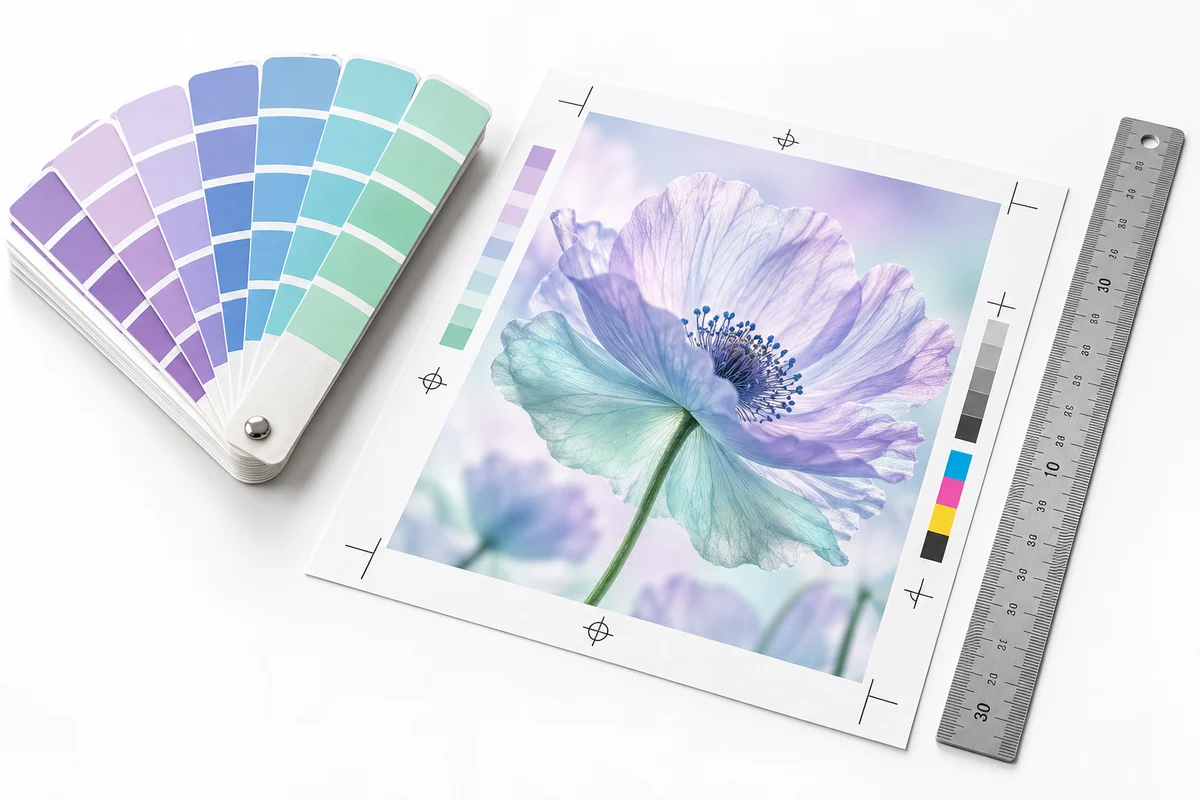
Print-ready artwork is a file prepared for a particular printer's specifications. Confirm the finished size, bleed, safe area, colour requirements and file format with the production provider. There is no universal export setting that fits every printed product.
Get the production specification first
Tell the designer what you are printing, how many copies you need and whether the piece is single-sided, double-sided or folded. Ask the printer for the exact artwork template or written requirements. A card, poster and booklet can require different preparation.
If you change the product size after the layout is complete, the design may need adjustment. Text, margins and image crops should be checked again rather than assuming a resized file is ready to produce.
Understand trim, bleed and safe space
The trim line describes the intended finished edge. Bleed extends background artwork beyond that edge to allow for cutting variation. The safe area keeps important content away from edges or folds. Use the measurements supplied by the selected printer rather than guessing.
For a business card, keep phone numbers and small text comfortably inside the safe area. For a folded piece, check panel order and fold positions. A design that looks correct as a flat image can put information on the wrong panel after folding.
Inspect images and colours
Review image detail at the intended output size. A small image copied from a messaging app may not be suitable for a larger print. Supply original photographs and vector artwork when available, and ask the designer to flag unsuitable sources.
Screen colour and printed colour can differ because they are produced differently. For a colour-sensitive job, discuss the production provider's colour workflow and whether a physical proof is available. A phone preview cannot promise an exact paper result.
Approve the words as carefully as the artwork
- Check every name, number, price and address against the final source.
- Open website links and test QR codes if the design includes them.
- Confirm spelling in every language used.
- Check front-and-back orientation and any fold order.
- Record which exact file or proof you are approving.
Send one consolidated correction list. If several people are reviewing, appoint one person to give final approval. This avoids a printer receiving an older file while another reviewer is still requesting changes.
Keep design, production and delivery clear
A design quote does not automatically include printing. A print quote does not automatically include courier charges. Confirm the quantity, paper or material, finish, proof process, dispatch estimate and destination city before paying.
For Pakistan courier orders, share a complete address only when needed to confirm fulfilment. Production and transit estimates should be discussed separately, especially for a time-sensitive event.
Moiz Creator can help with flyer and poster design and business card design. Share your printer's specifications with the brief. For photo products, read the restoration and print guide before choosing a size or finish.